How to Set Up JustPet Wireless Dog Fence
Are you considering installing a wireless dog fence for your furry friend? JustPet offers a user-friendly solution that provides safety and freedom for your pet. Follow these steps to set up your JustPet wireless dog fence system:
- Plan Your Boundary: Begin by determining the area where you want to restrict your dog’s movements. Take into account any obstacles or terrain that may affect the signal transmission.
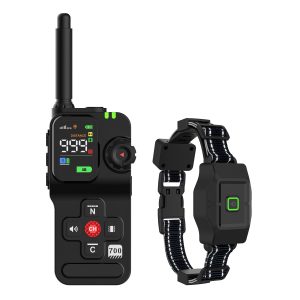
- Install the Transmitter: Place the transmitter in a central location within your home. Make sure it is elevated and away from large metal objects that can interfere with the signal.
- Set Up the Boundary Flags: Mark the boundary of your wireless fence with flags. These will help guide your dog during training.
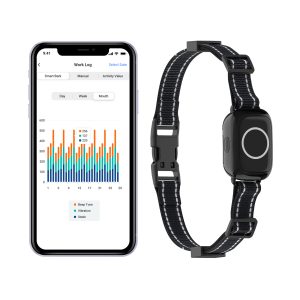
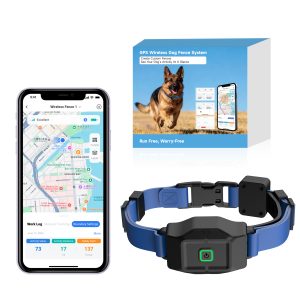
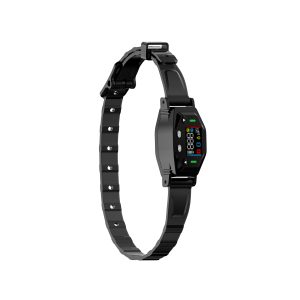
- Fit the Collar: Adjust the collar to your dog’s neck size and ensure it is snug but not tight. The collar contains the receiver that communicates with the transmitter.
- Training Your Dog: Begin training your dog with short, supervised sessions. Use positive reinforcement to associate the warning beep with the boundary limits.
- Monitoring Your Dog: Keep an eye on your dog initially to ensure they understand the boundaries. Adjust the settings or collar fit if needed.
- Regular Maintenance: Test the collar and transmitter regularly to ensure they are functioning correctly. Replace batteries as needed.
- Enjoy Peace of Mind: With the JustPet wireless dog fence in place, you can relax knowing your pet can safely explore their designated area.
Setting up a wireless dog fence requires patience and consistency in training your dog. With the JustPet system, you can provide your pet with a secure environment while giving them the freedom to roam within set boundaries.